GENEPROJ · Engineering guides
AI-Assisted Transformer Component Design
Use a technical description to start the development of a component. The Geneproj AI agent assists with part creation while the engineer retains the ability to inspect parameters, geometry and programmable rules.
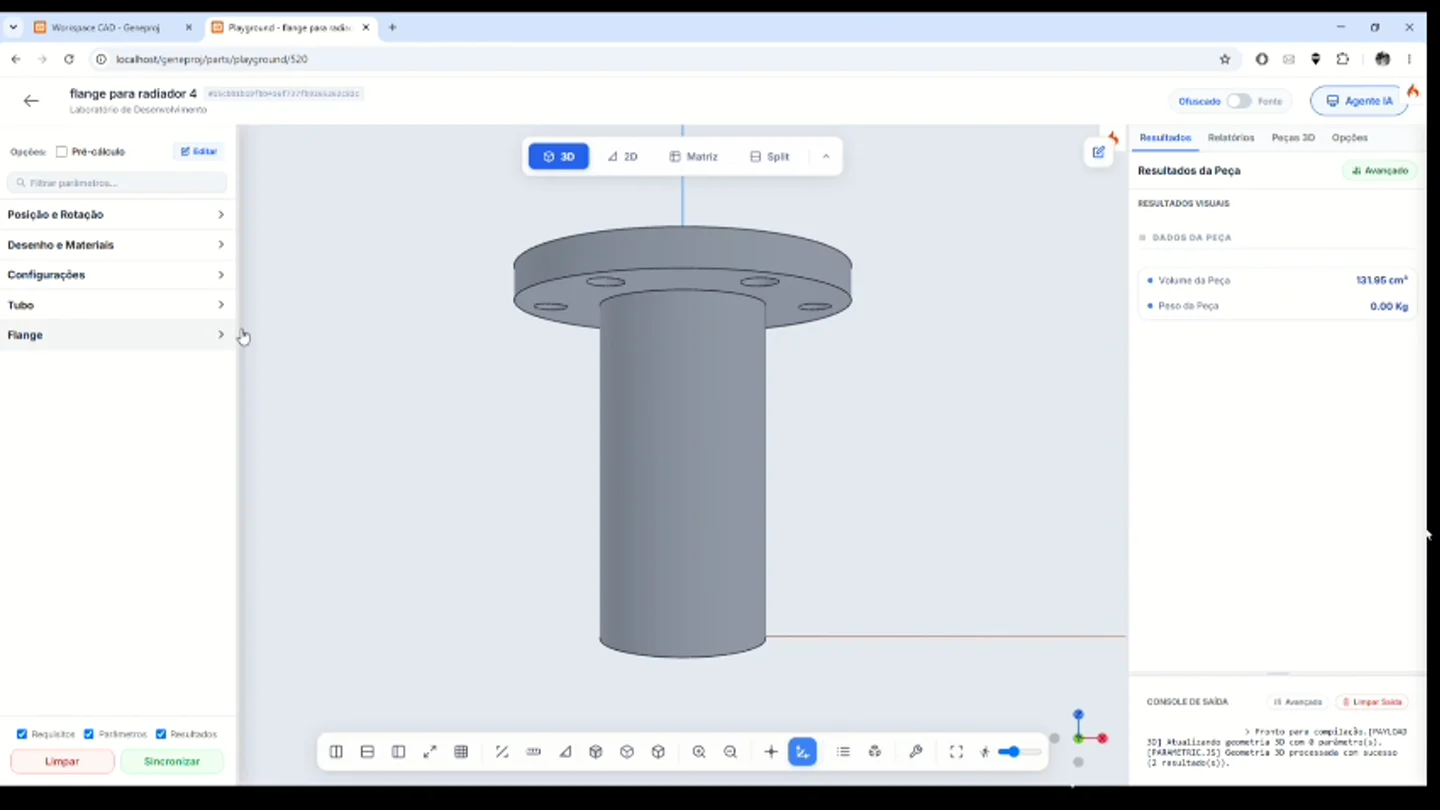
Practical application
The demonstration describes a radiator flange with a tube, flange dimensions and hole arrangement. It then shows the resulting part in the parametric workspace. The next engineering step is to check the generated geometry and parameters, refine the model and review its suitability before using it in a project.
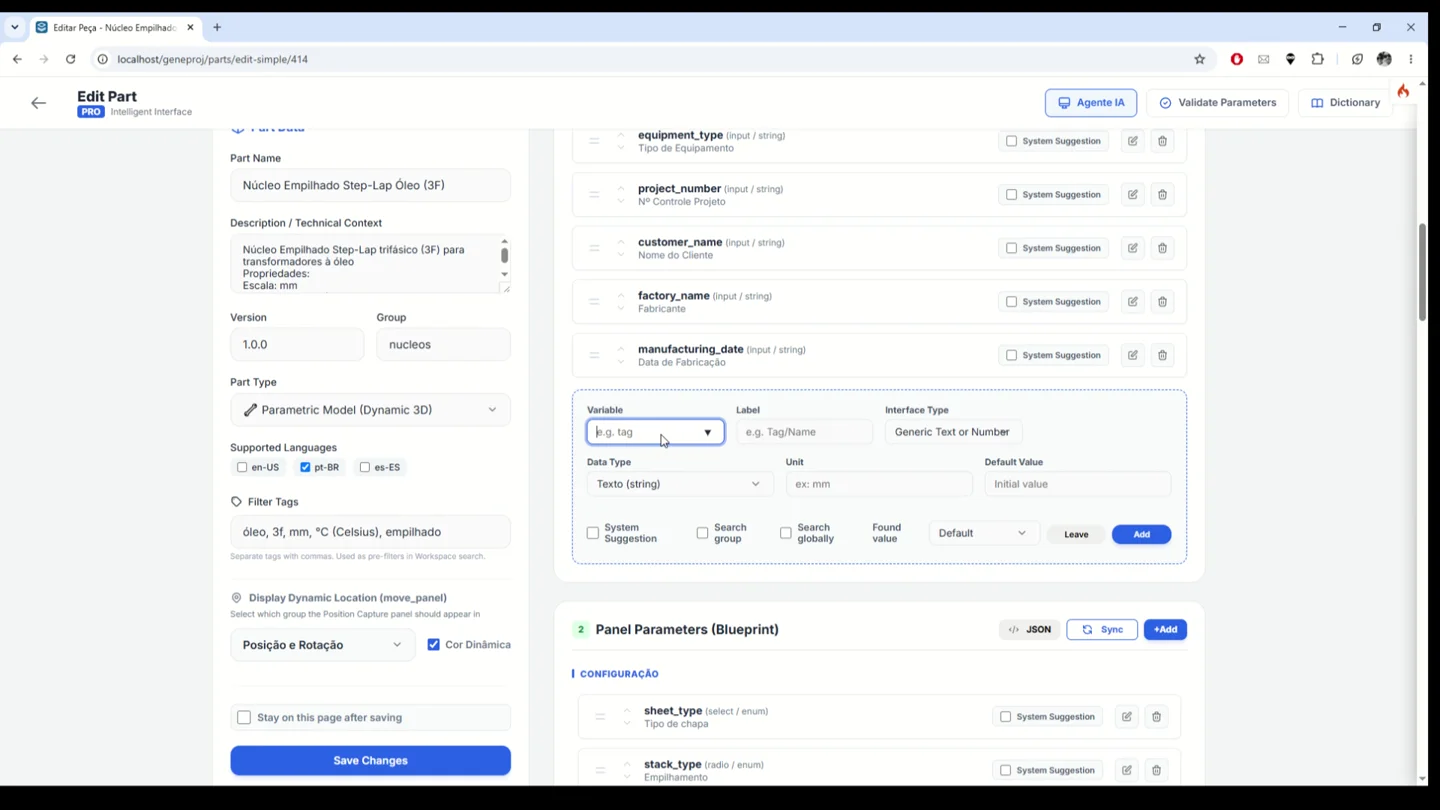
Custom engineering parameters
Adapt part inputs to your engineering process. Configure variable names, labels, data types, units and default values, then organize the parameters in the part panel. This turns component-specific knowledge into an input and review interface with the data needed to run the part logic and interpret its results.
- Inputs
- Variables, units and default values
- Outputs and application
- Input forms adapted to the engineering process
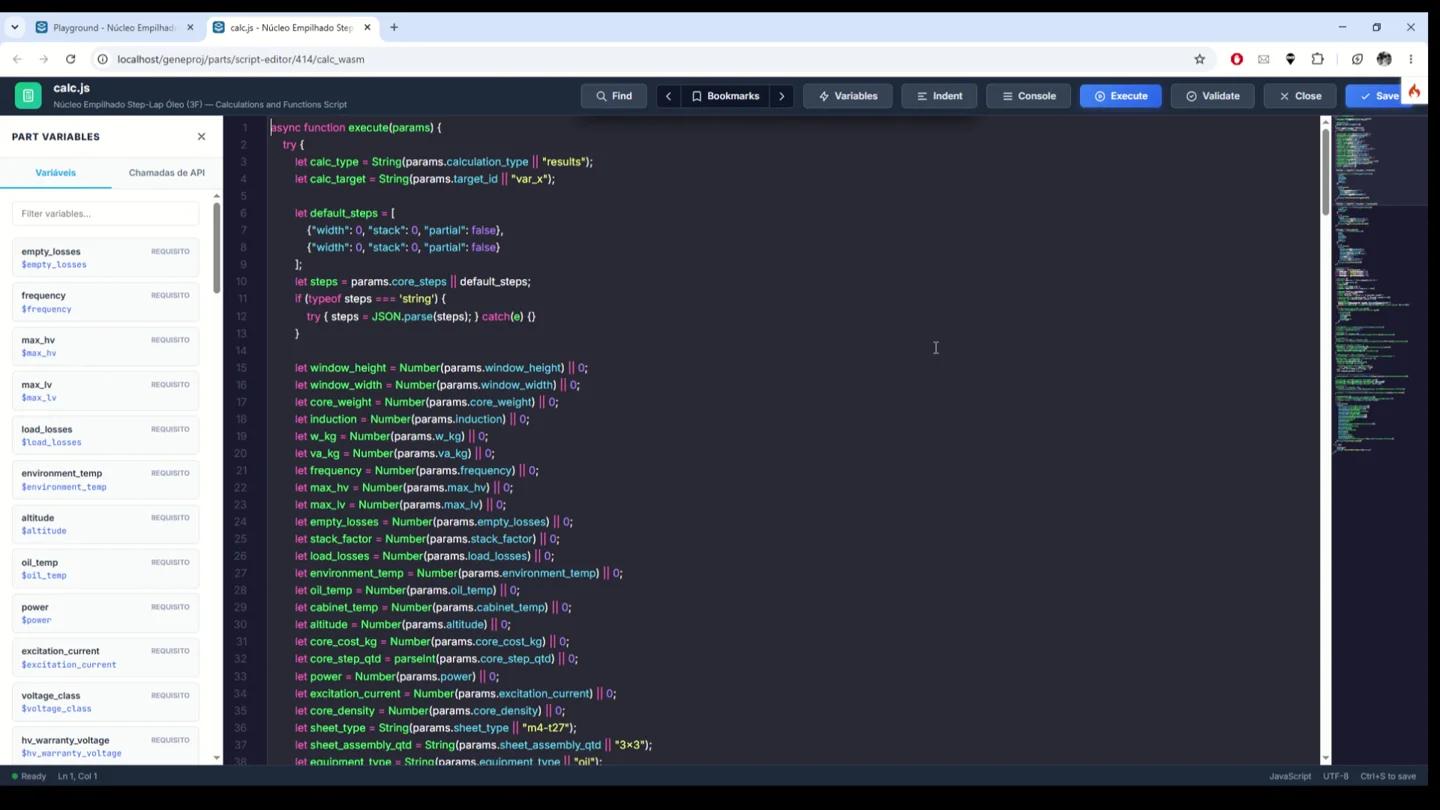
Programmable part logic
Edit part logic when a component requires specific formulas or engineering criteria. The integrated editor exposes the variables and calculation code, with execution and validation actions. Engineering teams can implement their methods and connect them to component outputs, then review the code and behavior before reusing the part.
- Inputs
- Formulas, criteria and variables
- Outputs and application
- Editable and reviewable calculation methods
AI-assisted part creation
Describe the component you need and use the AI agent to help create it. The demonstration starts with a radiator flange specification covering tube dimensions, flange geometry and hole arrangement, then shows the resulting part in the parametric workspace. Engineers can review the dimensions, parameters and logic, refine the model and decide how to use it in a project.
- Inputs
- Technical component description
- Outputs and application
- A parametric starting point for engineering review
Available outputs and features depend on the configured parts, rules, permissions and templates. The engineering team reviews models and documents before use.